Overview
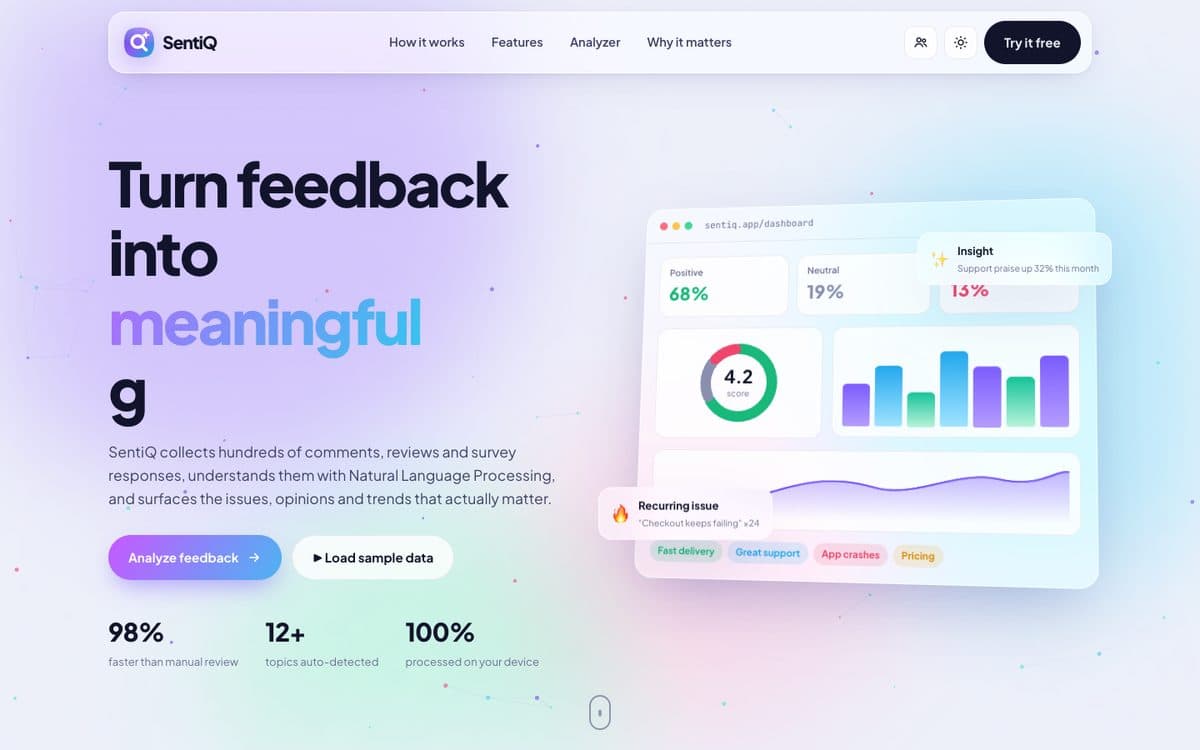
SentiQ reads hundreds of reviews, survey answers or YouTube comments and reports sentiment, emotions, topics and recurring issues, with every step of the language processing running in the browser.
The problem
Reading feedback by hand is slow, and sending private surveys or employee reviews to an outside AI service is a privacy risk. SentiQ does the analysis on the visitor's own device.
How it works
Its language engine is written in plain JavaScript. Sentiment scoring understands amplifiers like “extremely good”, dampeners like “slightly slow”, negations like “not bad” and contrasts like “great UI, but too expensive”, and it reads emojis too.
Feedback is sorted into topics such as pricing, support, performance, usability, bugs, delivery, courses and workplace culture, and repeated phrases are clustered to surface the issues people keep raising.
Feedback can be pasted, uploaded as CSV or Excel, pulled from a YouTube video's comments, or loaded from built-in sample sets, and results export to CSV or a printable report.
What it does
- Context-aware sentiment, including negation and contrast
- Emotion detection: joy, anger, sadness, surprise, trust
- Automatic topic classification
- Recurring-issue mining from repeated phrases
- Paste text, upload CSV/Excel, or fetch YouTube comments
- 100% in-browser: feedback never leaves the device
Built with
- JavaScript
- HTML5
- CSS3
- YouTube Data API
- Vercel
Try it live
The live version opens in a new tab, so you can explore it at full size.
Open SentiQ ↗